Gifting
You can convert purchased packages, such as HoloModels, MakeAvatar outfits, and Spatial Disks, into gift codes and give them as presents.
Besides giving presents to friends, you can also use this feature to transfer or exchange packages you no longer use!
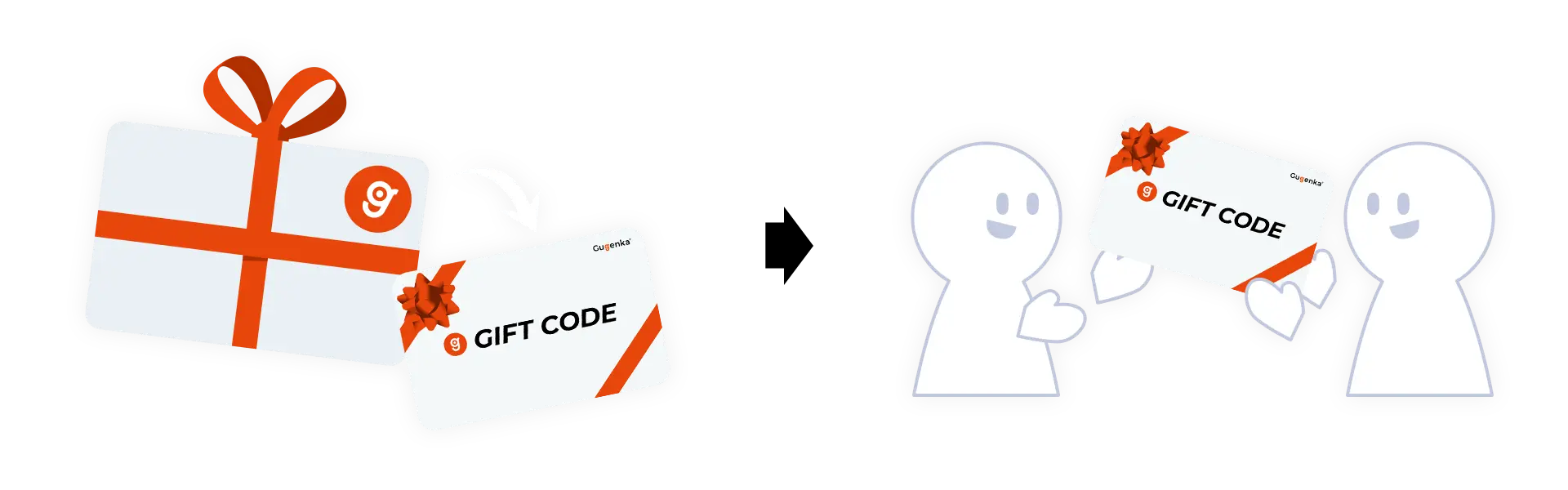
How to use gift codes
For gift senders
1. Purchase an item (package)
As you would when purchasing for yourself, add the item to your cart and complete the purchase. You may purchase multiple items for yourself and as gifts in one order.
You can check whether a package supports gifting on its product page.
Search for giftable products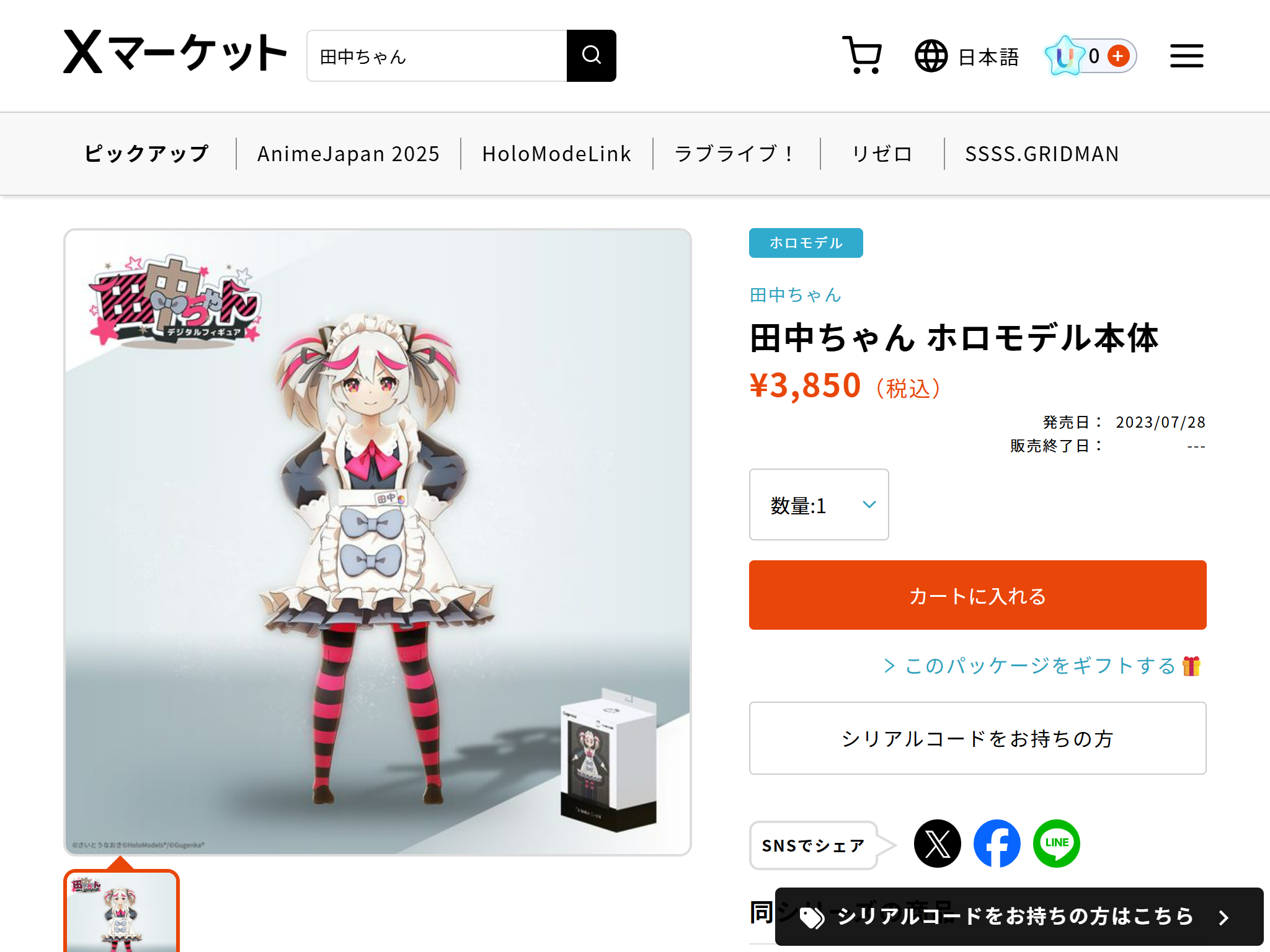
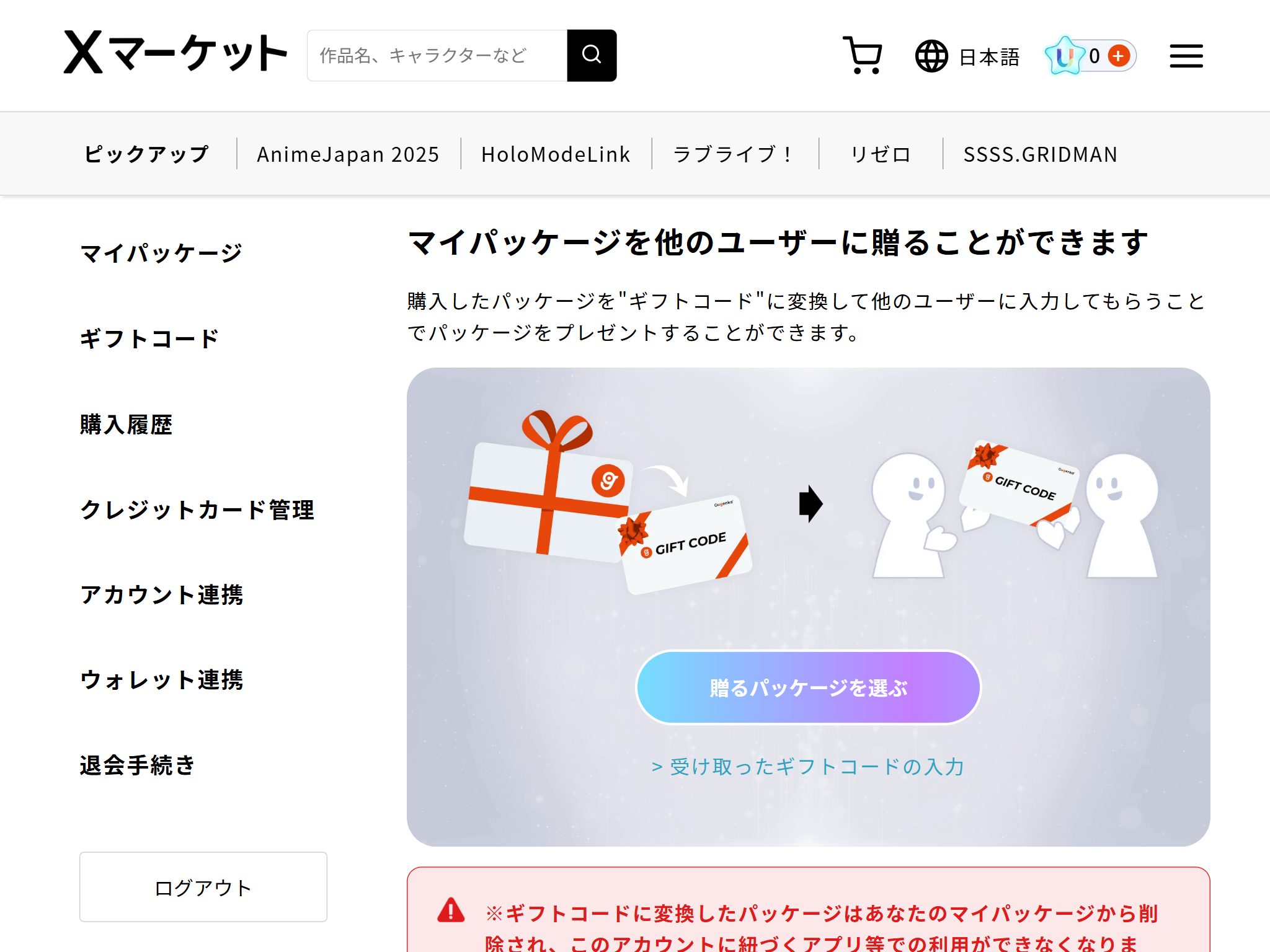
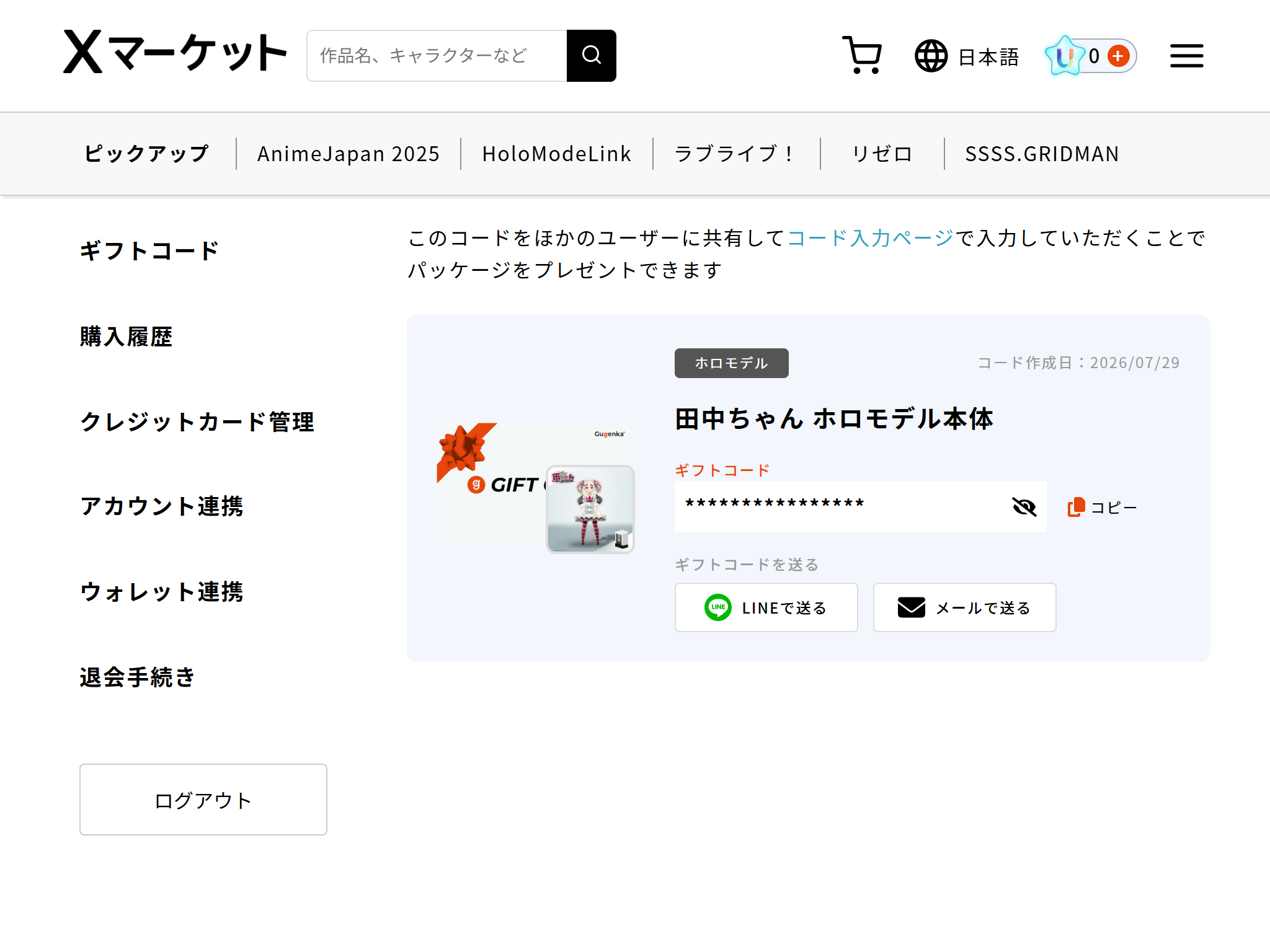
2. Go to Gift Codes in My Account
Issue gift codes from Gift Codes in My Account.
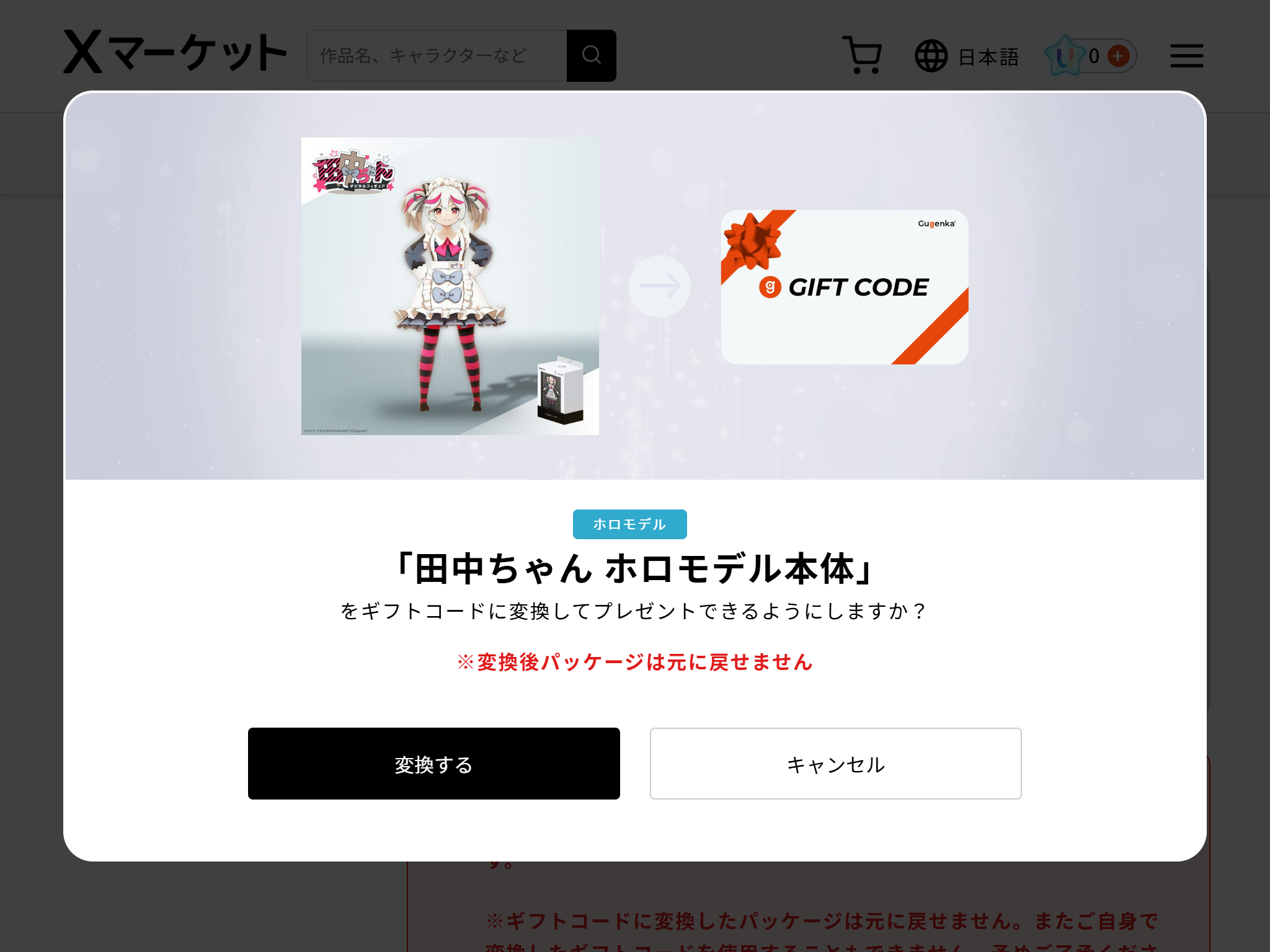
3. Convert the package into a gift code
Select the package you want to give from the list of giftable packages and convert it into a gift code.
A package converted into a gift code cannot be restored. Please be aware of this before converting.
4. Send the gift code to your friend
Send the issued gift code to the person you want to receive the gift.
Use a private communication method, such as LINE or email, and make sure the gift code is not disclosed to anyone else.
For gift recipients
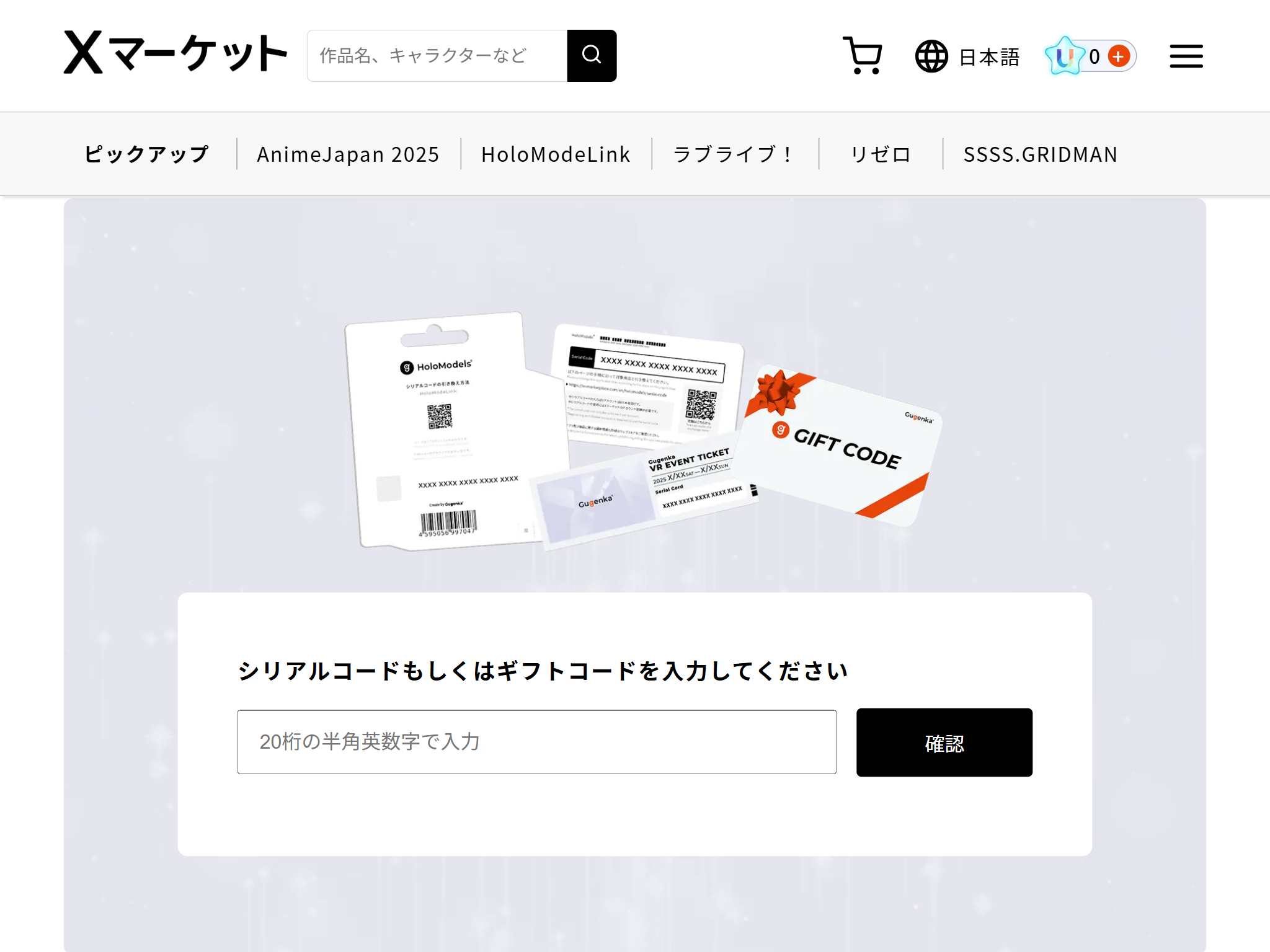
1. Go to the code entry page
To receive your gift, go to the code entry page.
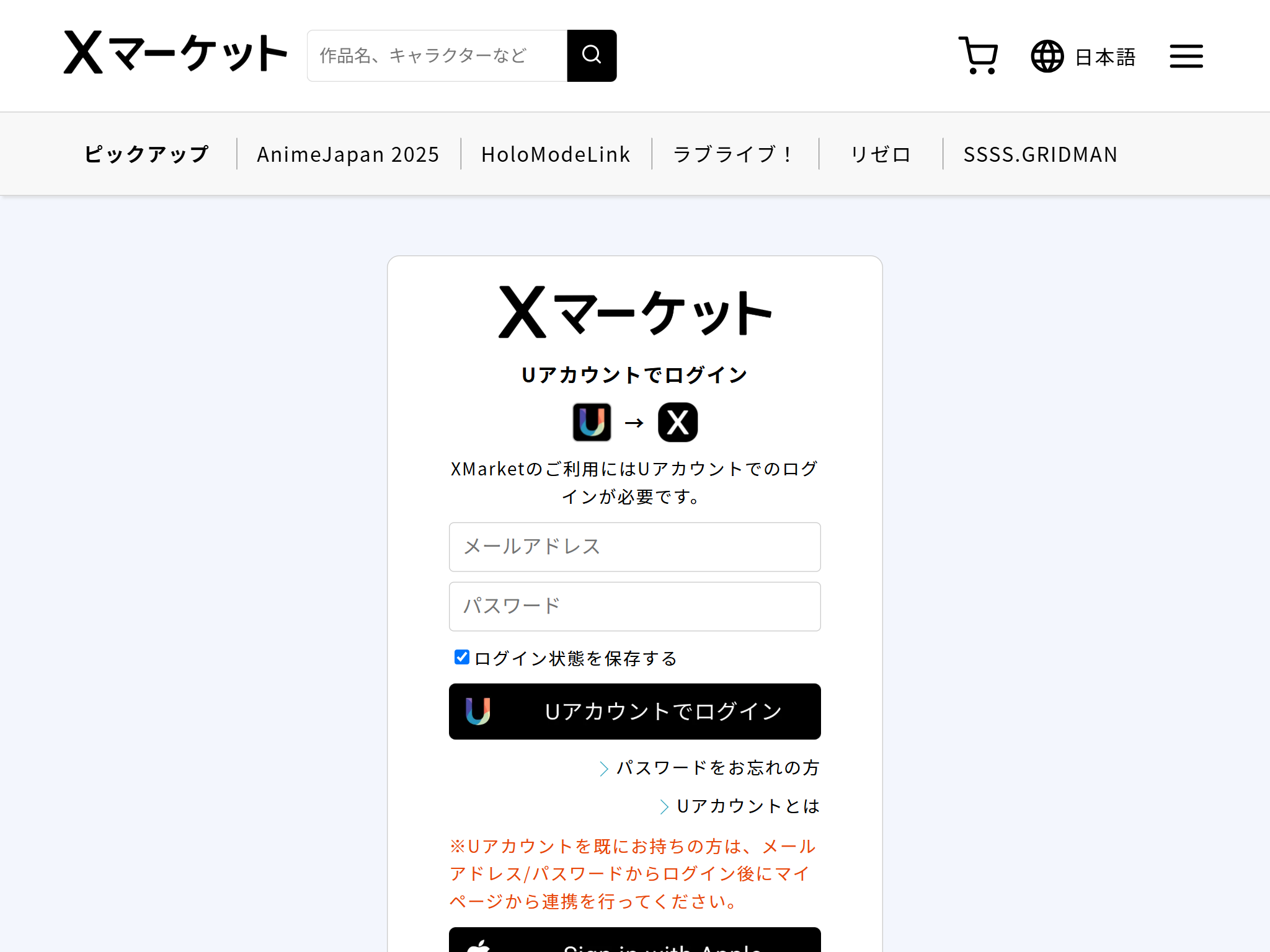
2. Create a UAccount or sign in
A UAccount is required to receive a gift. If you already have one, please sign in.
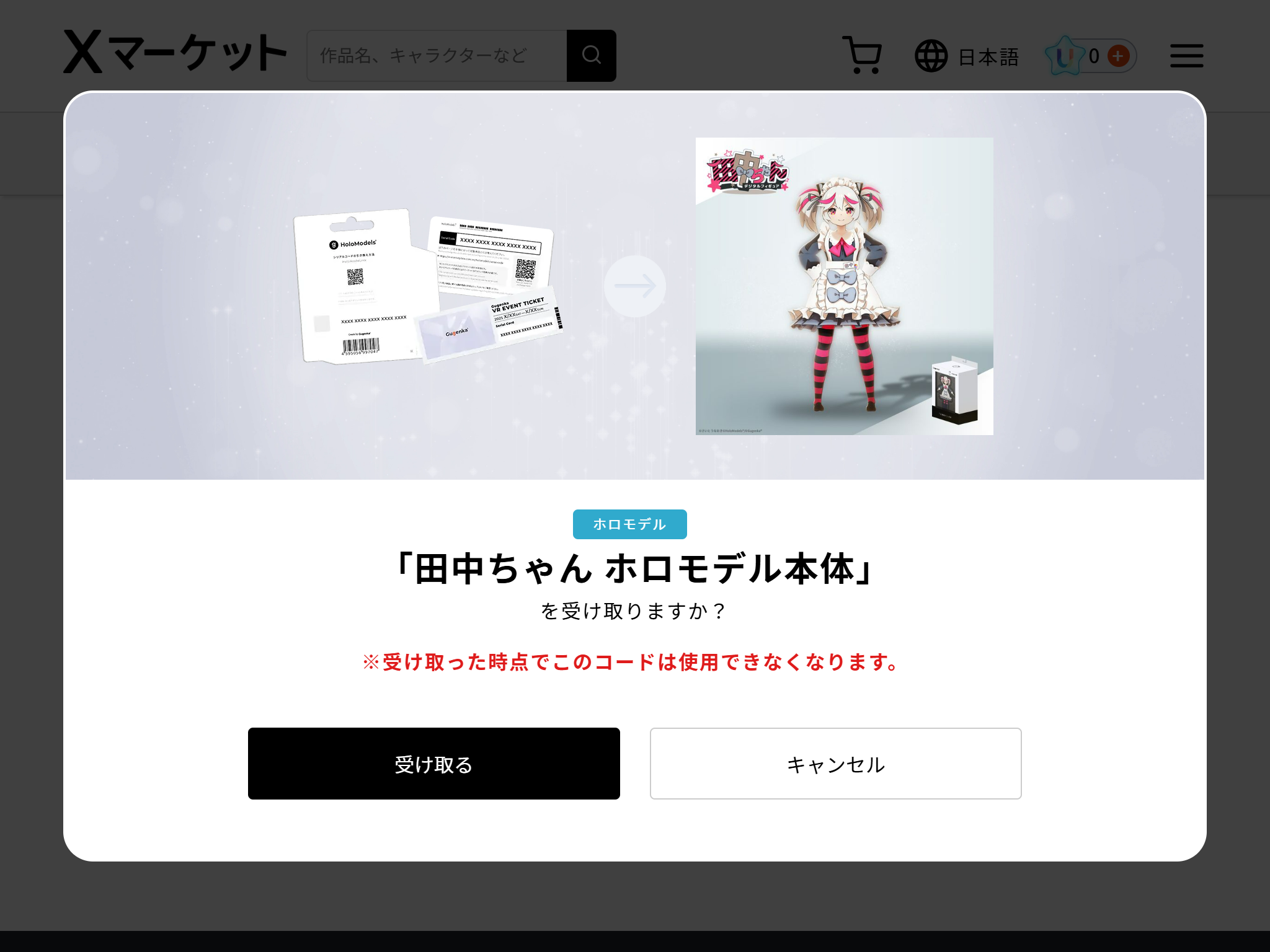
3. Enter the gift code and redeem the package
Enter the gift code on the code entry page to redeem the package.
4. Download the supported app
Download the app supported by the package you received.
Sign in with the same UAccount you used to receive the gift to view your package.