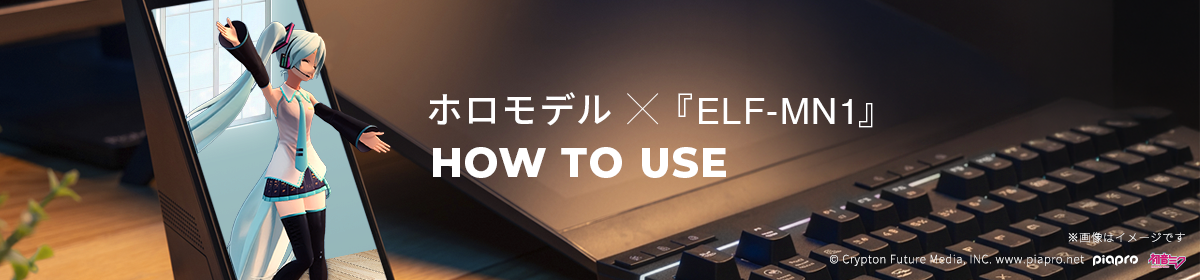
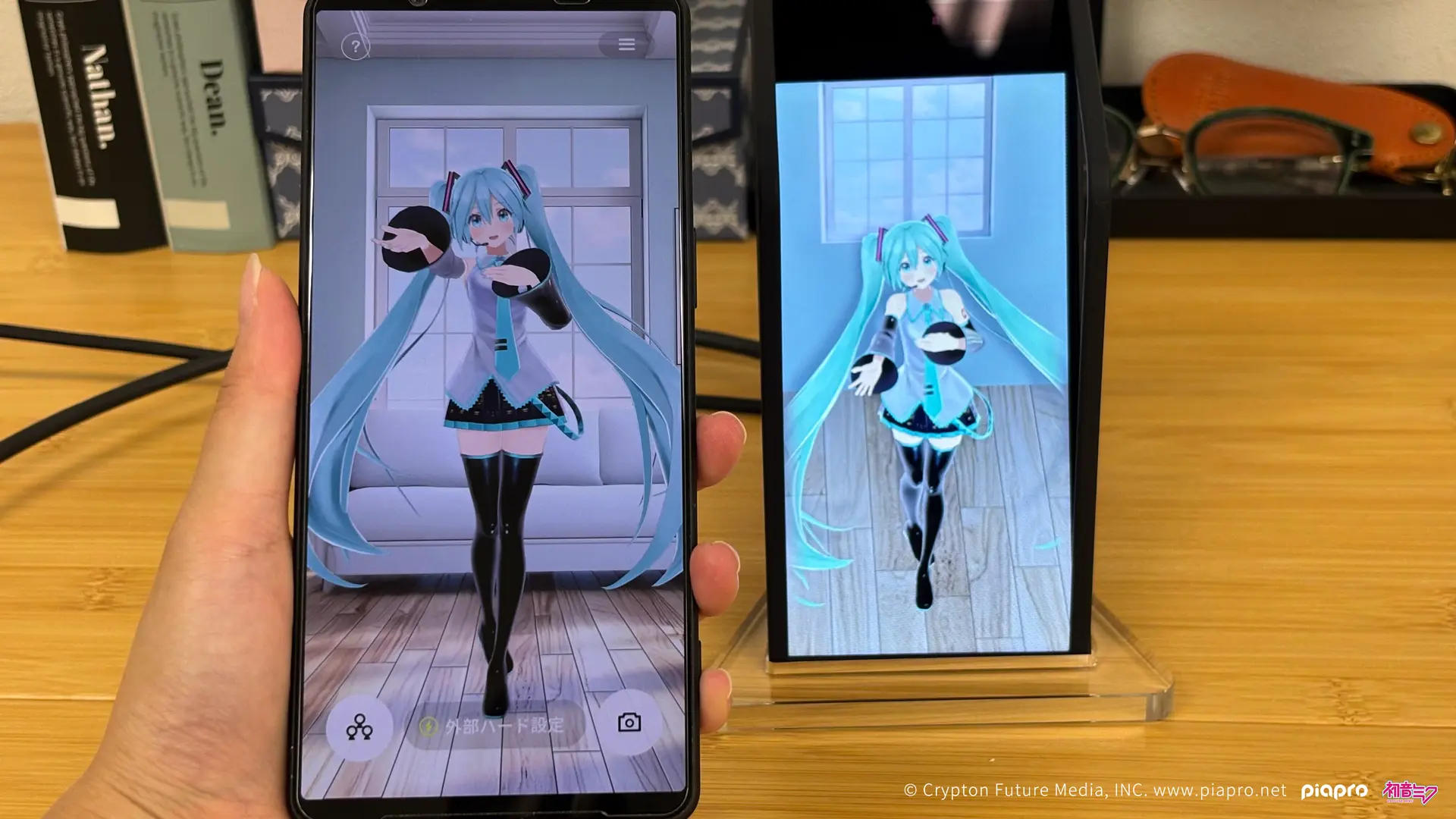
Simply connect to Sony’s ELF-MN1 Spatial Reality Display to bring the HoloModels you enjoy on your smartphone into 3D, as if your character were actually standing on your desk.
<< Caution >>
※In order to use digital data, you need to register a new XMarket account, install the “HoloModels” smartphone application, and log in with your XMarket account.
※Please confirm the contents of the XMarket Terms of Use and the HoloModels Terms of Use.
* To use ELF-MN1 with HoloModels, you need to update the app to version 1.6.0 or later.
Recommended smartphone specifications
※If it takes a long time to load, please clear the cache from “Settings” in the app.
※Loading will be longer the first time.
How to Install the App
【Account Registration】
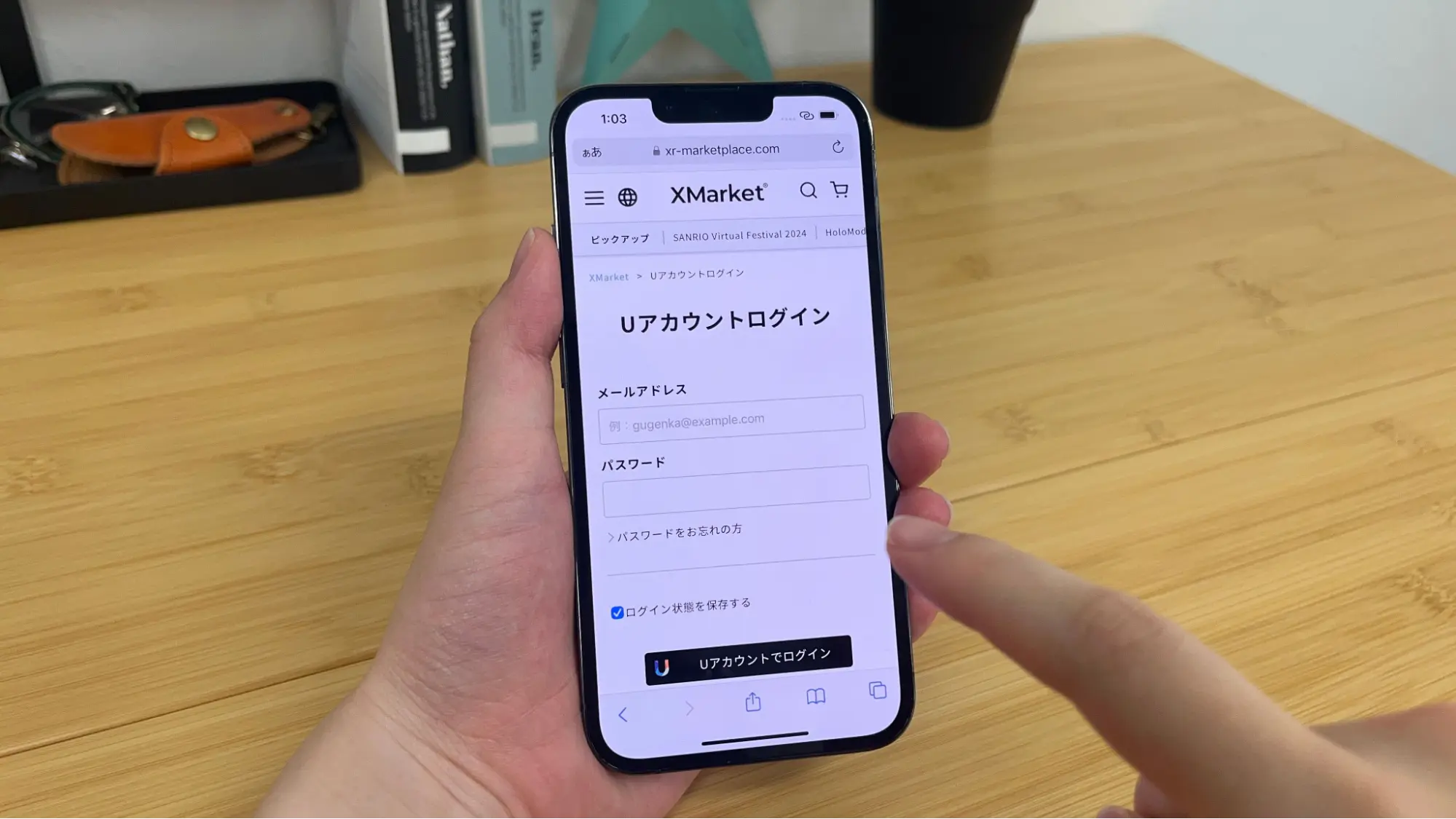
Register a new UAccount or log in at XMarket
Login page:https://xr-marketplace.com/login
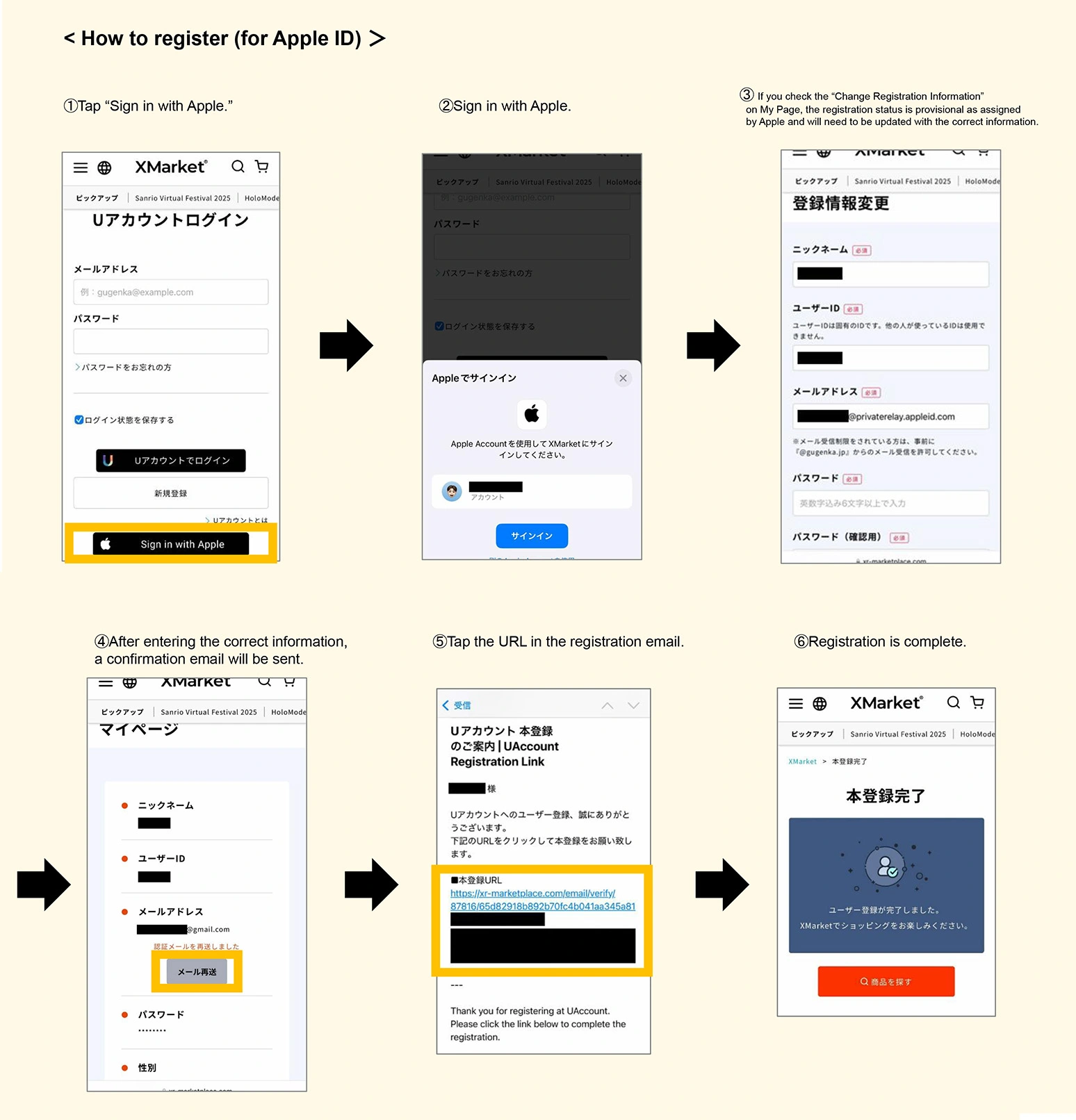
【App installation - Account linking】
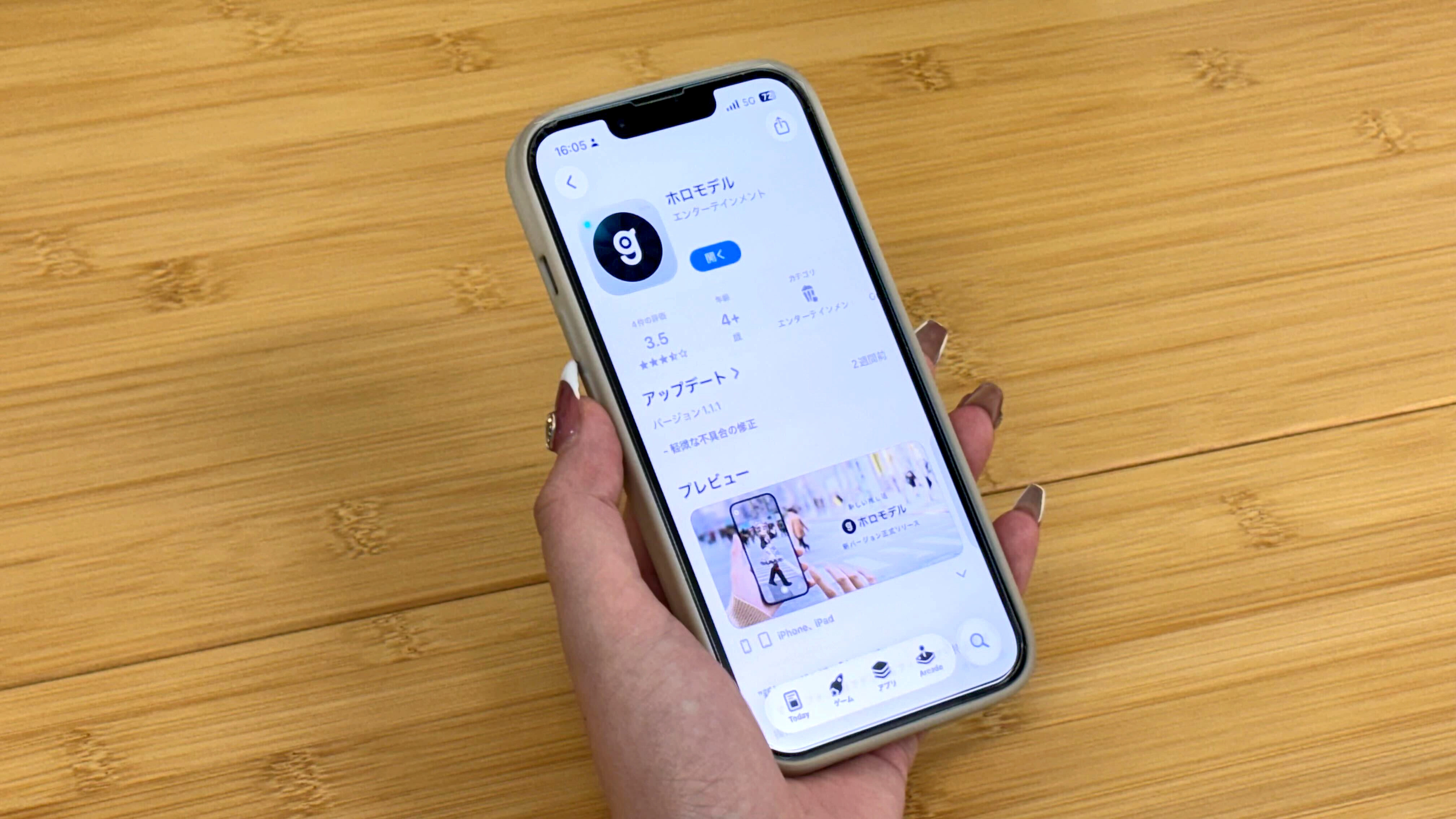
Install the “HoloModels” smartphone application.
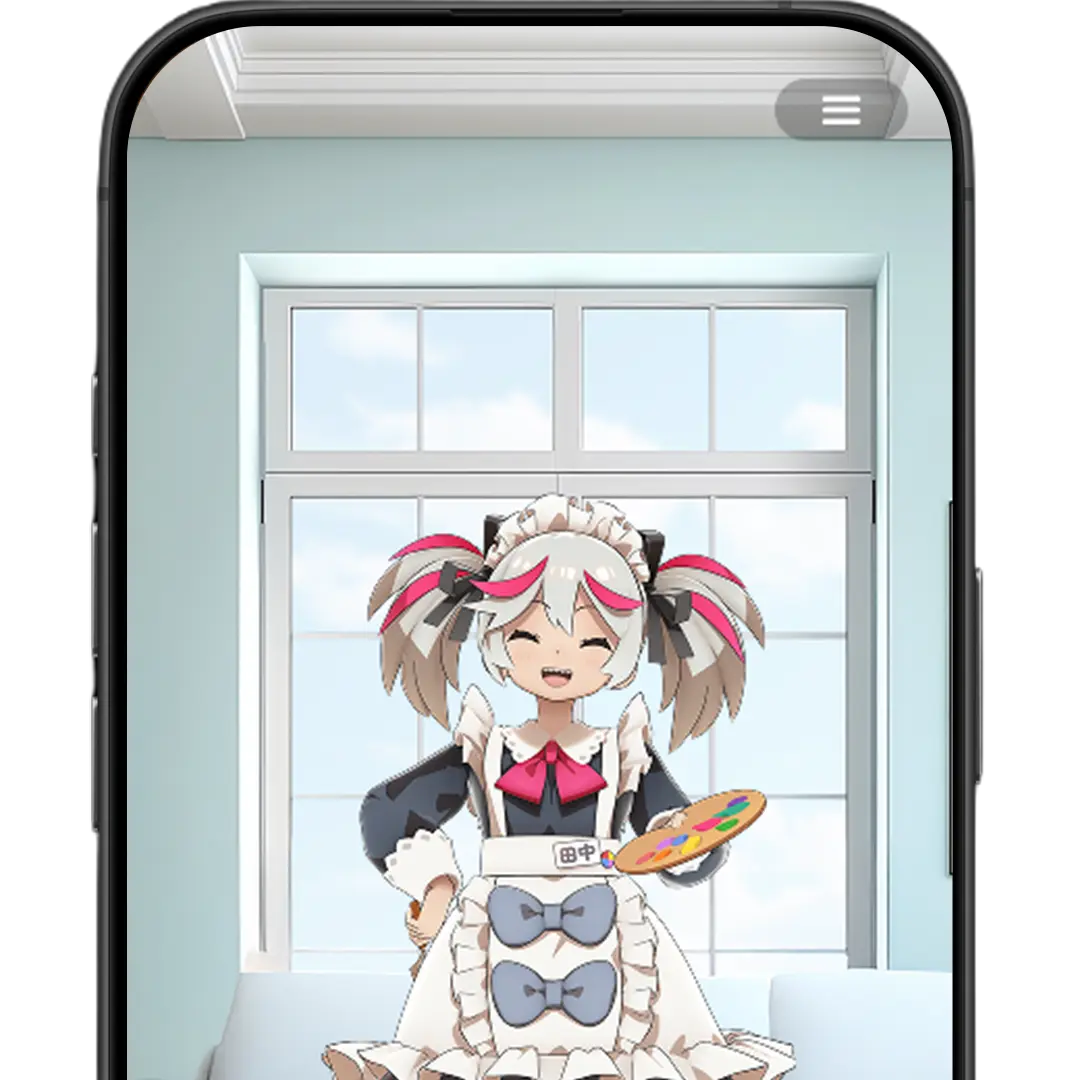
XR (AR / VR) Digital Figures



Traditional AR pose creation, event features, and more

Launch the application and log in to your XMarket UAccount from “Login” on the top screen to link
How to connect HoloModels
[Connect to ELF-MN1]
Simply connect a compatible smartphone to the display. Instantly display the character you want to see from the HoloModels app.
If you have any questions, please feel free to contact us through the form below
▽ Contact Form ▽
https://docs.google.com/forms/d/e/1FAIpQLScbRbSe2GwFMp_mkU9vNnZi7PgYr2vfn1SQZyjjMfRhVemCZw/viewform?c=0&w=1